To set up a wedding QR code: decide what the code should open (a photo and video upload page, your wedding website, or an RSVP form), create that page, generate a QR code that points to it, put the code on a clearly worded sign, test it on at least two phones, and place copies where guests naturally pause — the entrance, every table, and the bar.
That's the whole job. The rest of this guide walks through each step, with the small decisions that decide whether twelve guests scan it or a hundred and twelve.
Step 1: Decide what the QR code should do
A QR code is just a link your guests don't have to type. Before you make one, be clear about where it goes. The most common wedding uses are:
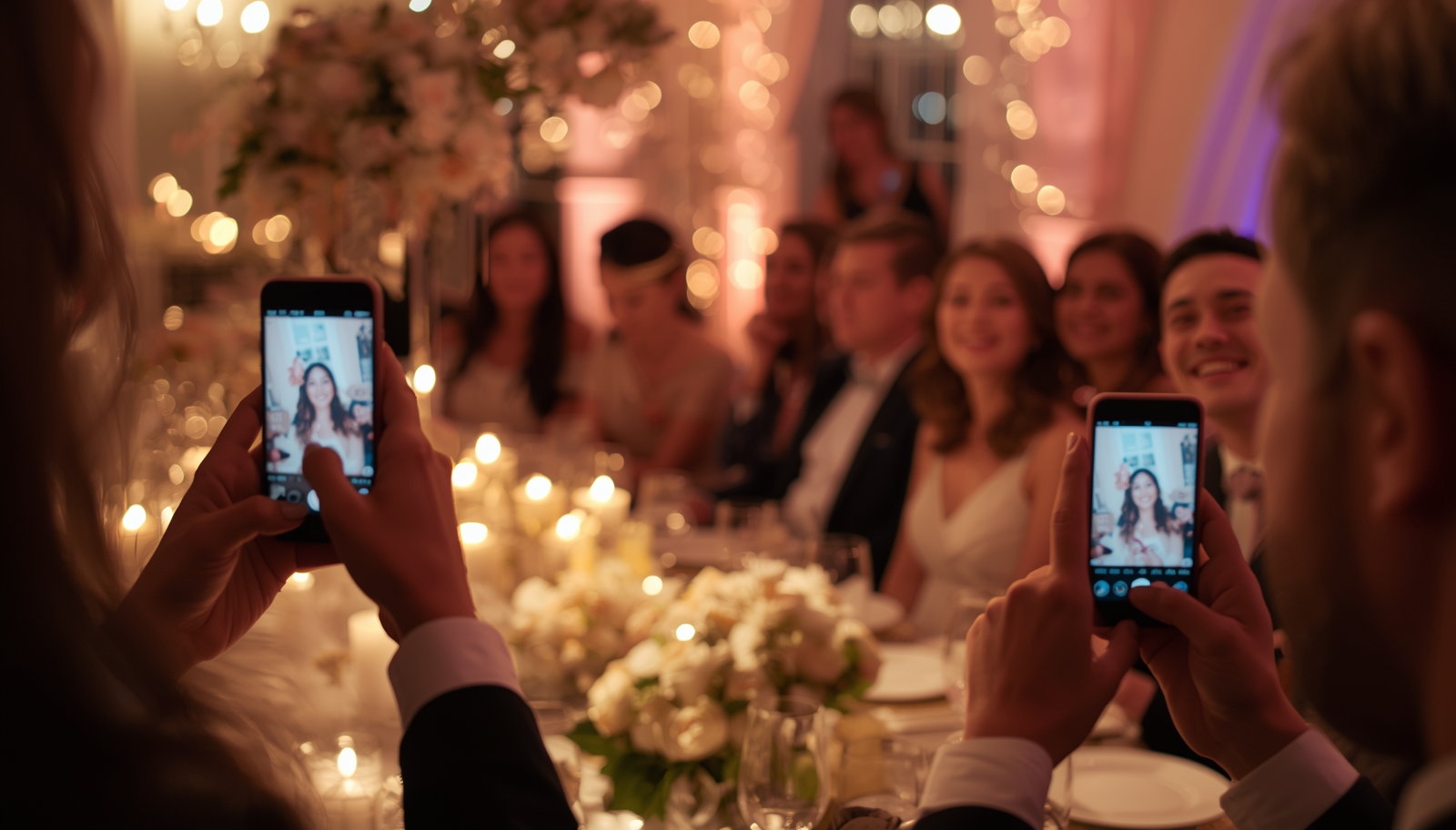
- Collecting guests' photos and videos — the code opens an upload page so everything guests capture on their phones ends up in one place.
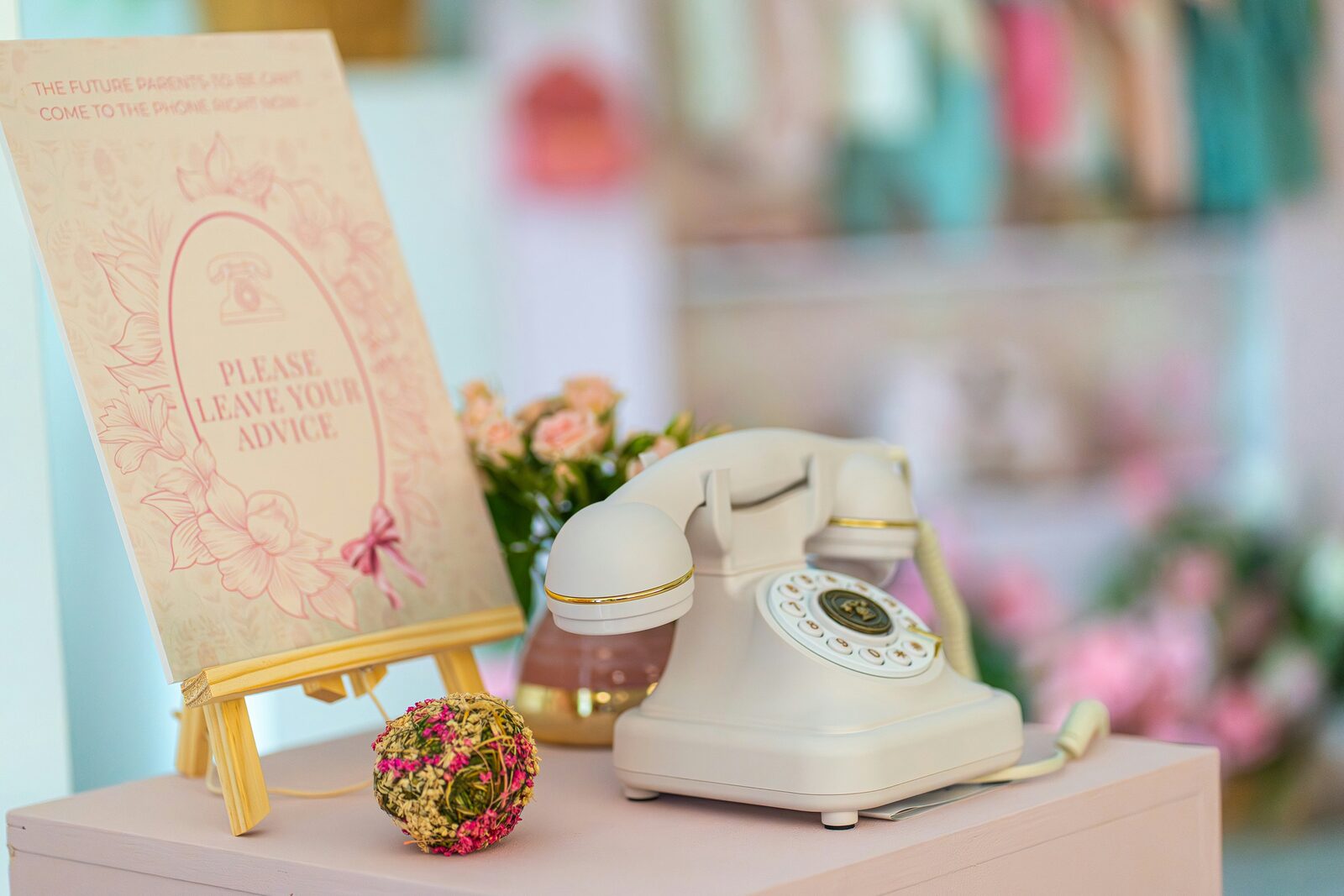
- A video or written guestbook — guests scan and leave a short message for the two of you instead of signing a book.
- Your wedding website or RSVP — usually printed on the invitation or save-the-date.
- A gift or honeymoon fund — worth handling carefully (more on wording in our QR code sign wording guide).
You can use more than one code, but one code per sign. A sign with three codes on it gets zero scans — guests don't know which one is for them.
If you're collecting memories on the day, it's worth using one page that handles photos, videos and messages, so guests only ever have to scan one thing. That's how Wedding Reels works: one code opens a page where guests can record a short video message, snap a photo, or leave a written note.
Step 2: Create the page the code opens
This is where most of the setup time goes, and where most of the choices live. You have three broad options:
- A dedicated wedding guest app or upload page. Built for exactly this job: guests scan, upload, done. No account for them, a private gallery for you, downloads afterwards. Most include a ready-made QR code.
- A shared cloud album (Google Photos, iCloud, Dropbox). Free, but guests often need an account or the right app, and the album mixes into your personal storage. We compare the trade-offs in Google Photos for wedding photos: does it work?
- Your wedding website. Fine for RSVPs and information, rarely built for guests uploading videos.
Whichever you pick, check three things before you print anything:
- No app download for guests. Every extra step loses guests. "Download this app and create an account" loses most of them.
- It works on both iPhone and Android, in the phone's normal camera and browser.
- You control who sees what. Decide whether guests can see each other's uploads, or whether everything is private to you.
Step 3: Generate the QR code
The quickest route: design your sign in our free wedding QR code generator — pick a design, add your names, and download a print-ready PDF with your own code.
If you're using a wedding service, the QR code is generated for you — look for a "download QR code" or "print signs" option. In Wedding Reels, the dashboard has a sign designer with print-ready PDFs in three sizes: small table cards, a medium sign for the bar or welcome table, and a large poster for the entrance.
If you're making the code yourself with a free generator, two rules:
- Use a static code pointing directly at your page, or a dynamic code from a service you trust to still exist on your wedding day. Some "free" generators create dynamic codes that stop working after a trial period — you don't want to find that out at the reception.
- Download a high-resolution file (SVG or a large PNG), never a screenshot.
Step 4: Design the sign
The code alone isn't enough. A sign needs to tell guests three things in about two seconds:
- What happens when they scan ("Leave us a video message", "Share your photos from today").
- That there's no app to download. This one line removes more hesitation than anything else.
- Why it matters to you — a warm, short line gets more scans than a bare instruction.
For example:
Leave us a message Scan with your phone camera — no app needed. Thirty seconds of you, ours forever.
For dozens more ideas, see what to write on a wedding QR code sign.
On the design side: keep the code dark on a light background, leave a clear white margin around it, and don't put it over a busy photo or pattern. Colour is fine; low contrast isn't.
Step 5: Get the size right and print
A QR code on a table card should be at least 3–4 cm (about 1.5 in) wide; on an entrance sign, go bigger — a guest standing a couple of metres away should be able to scan without walking up to it. Our QR code size and printing guide has a simple rule of thumb for any distance.
Print on matte paper if you can — glossy card under venue lighting creates glare that some phones struggle to read.
Step 6: Test it (properly)
Do this before the full print run, not the night before:
- Scan with at least two phones, ideally one iPhone and one Android.
- Scan from the distance a guest would actually stand at.
- Scan in dim light — receptions get dark.
- Go through the whole flow as a guest: scan, upload a photo or record a short message, and check it arrives on your side.
Then delete your test uploads so your gallery starts clean.
Step 7: Place the codes where guests pause
One sign at the entrance is the most common mistake. Guests walk past it with a drink in one hand and a coat in the other. Put codes where people are standing still with their phones already out:
- Every guest table (a small card is enough)
- The bar
- The welcome or guestbook table
- Near the photo booth or dance floor
- In the programme or on the menu
We go through every spot, and when to use each, in where to put QR codes at your wedding.
Step 8: Remind people on the day
Ask your MC, DJ or best man to mention it once during dinner: "There's a QR code on every table — scan it and leave the couple a message." A single announcement consistently does more than a second round of signs.
How long does it take?
About fifteen minutes to set up the page and download the code, plus printing. If you're using a service with built-in signs, you can go from sign-up to a print-ready PDF in one sitting.
How much does a wedding QR code cost?
The code itself is free. What you pay for (if anything) is the service behind it and the printing. We break down every option in how much a wedding QR code costs. Wedding Reels has a free plan for up to 10 guest uploads so you can try the whole flow first, and a one-time Premium upgrade for unlimited guests.
Quick checklist
- Decide what the code opens
- Set up the page (no app, no account for guests)
- Download a high-resolution QR code
- Write a sign that says what happens and "no app needed"
- Print at the right size, on matte paper
- Test on two phones, at distance, in low light
- Place codes on every table, the bar and the entrance
- Ask the MC to mention it once
Ready to make yours? Create your wedding QR code — it's free to set up and try before the big day.