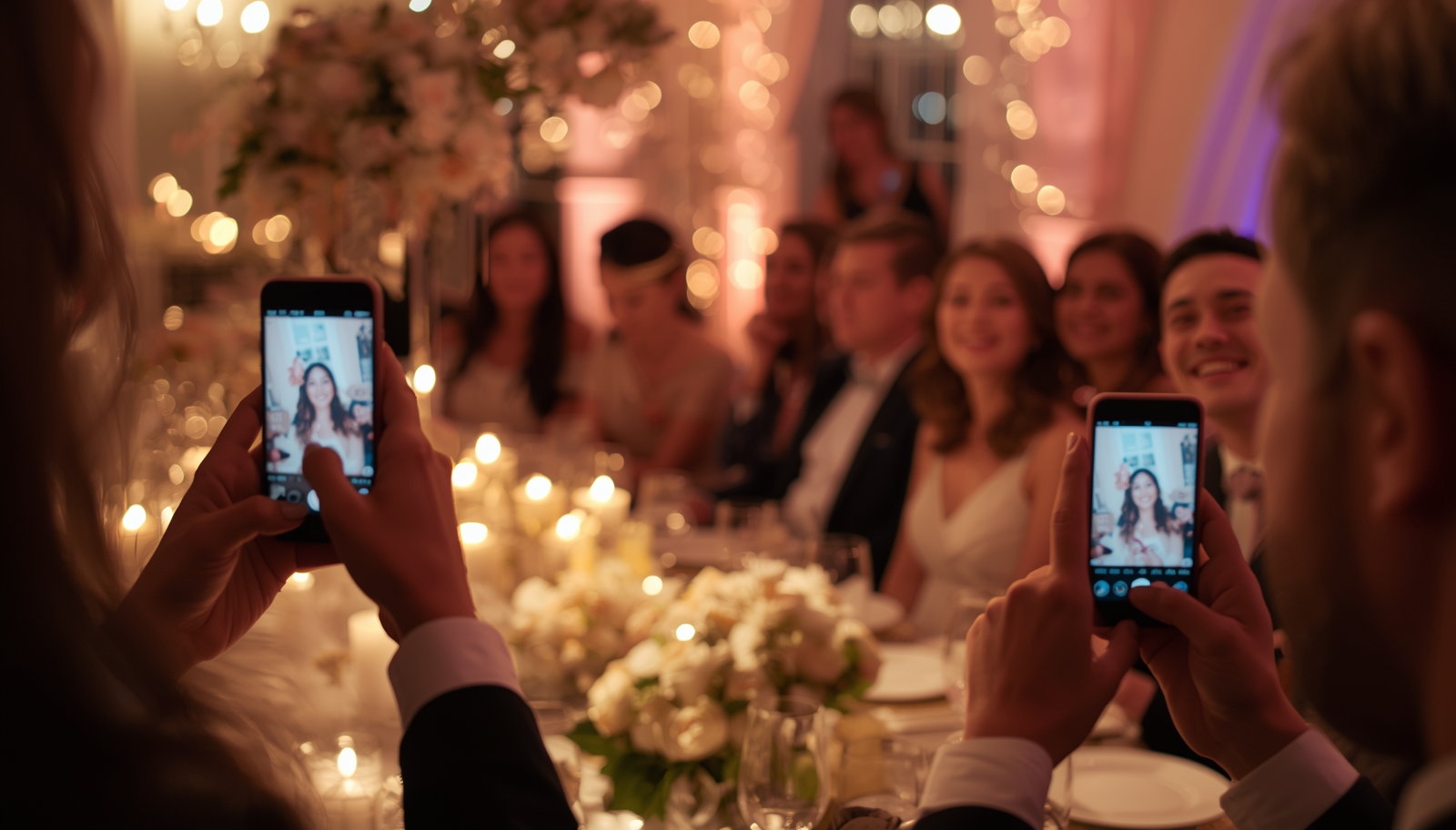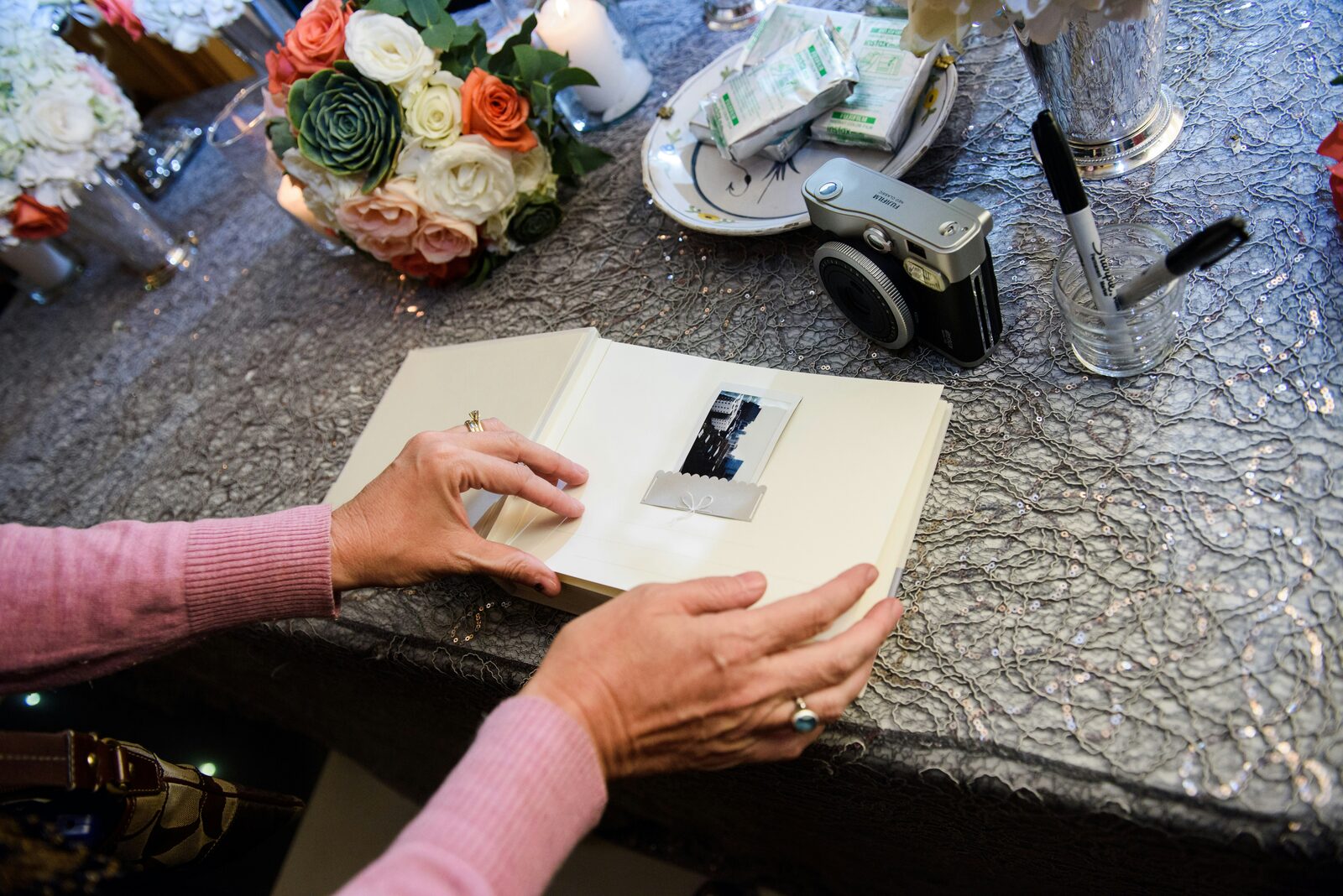
The easiest way to collect wedding photos and videos from guests is a QR code that opens an upload page: guests scan with their phone camera, upload straight from their camera roll or take new photos, and everything lands in one private gallery — no app or account for them. Shared albums (Google Photos, iCloud), wedding hashtags and group chats also work, but each loses guests, quality or privacy along the way.
Your guests will collectively take more photos than your photographer — different angles, the dance floor at 1 a.m., the moments during speeches you were too busy crying through to notice. Here's how to actually end up with them.
Option 1: A QR code upload page (best for most weddings)
A dedicated wedding photo-sharing service gives you a QR code and a link. Guests scan it, choose photos or videos, and upload. You get everything in one gallery and download it all at once.
Pros
- No app or account for guests — the biggest factor in how many people take part
- Works on iPhone and Android
- Full-quality photos and videos
- Private to you, unless you choose to share
- Works during the wedding and afterwards
Cons
- Usually a small one-time cost for unlimited uploads
- You need to print and place the QR code (see where to put QR codes)
Some services go beyond photos. With Wedding Reels, the same code lets guests record a short video message for you, take disposable-camera-style photos, or leave a written note — so your photo collection and your guestbook are the same thing.
Option 2: A shared cloud album
Google Photos, iCloud Shared Albums or a Dropbox file request.
Pros: free; familiar to many guests. Cons: iCloud albums work best for Apple users; Google Photos works best when guests have a Google account; videos may be compressed; you're mixing wedding uploads into personal storage; and it's hard to stop people from seeing (or deleting) each other's uploads.
We look at this in detail in Google Photos for wedding photos: does it work?
Option 3: A wedding hashtag
A unique hashtag (#SamAndAlexSayIDo) on signs and invitations.
Pros: free; fun for social guests. Cons: only captures what guests post publicly; most guests don't post; older relatives rarely use it; photos are compressed and cropped; and you can't easily download them in full quality. Best used alongside another method, not instead of one.
Option 4: AirDrop, WhatsApp and group chats
Pros: zero setup. Cons: photos arrive scattered across chats, heavily compressed, and mixed with everything else. Someone has to chase guests afterwards. It works for a handful of close friends, not for 100 guests.
Option 5: Ask afterwards by email
A thank-you email or card with an upload link.
Pros: catches guests who forgot on the day. Cons: response rates drop fast after the first week. Use this as a follow-up to Option 1, not a replacement — send the same link you used on the day.
Quick comparison
| Method | Cost | Guest effort | Quality | Privacy | Captures video messages |
|---|---|---|---|---|---|
| QR upload page | Free–low | Very low | Full | Private | Often |
| Shared album | Free | Medium | Varies | Shared | No |
| Hashtag | Free | Medium | Low | Public | No |
| Group chats | Free | Low | Low | Scattered | No |
| Email afterwards | Free | Medium | Full | Private | Depends |
How to get guests to actually share
Whichever method you choose, participation comes down to a few things:
- Make it one step. Every login, app download or form halves your uploads.
- Put the code everywhere guests pause — every table, the bar, the welcome table.
- Say "no app needed" on the sign. See our QR sign wording ideas.
- Get it mentioned once. Ask the MC or DJ to point it out during dinner.
- Show it off. A live slideshow of uploads on a screen (Wedding Reels has a live mode for this) turns sharing into part of the party — guests upload to see themselves on screen.
- Follow up. Send the same link with your thank-you message for guests who took photos but didn't share.
Don't forget video
Most guests shoot video at weddings — the first dance, the speeches, the dance floor. Make sure your method accepts video uploads at decent quality, not just photos.
And beyond the clips guests film, think about the videos they could make for you: a 30-second message from each guest is something no photographer captures. That's the idea behind a video guestbook — and it's often what couples end up treasuring most.
When to set it up
- 4–6 weeks before: choose your method, set it up, test it.
- 2–3 weeks before: print signs and table cards.
- Wedding week: tell your MC, place signs on the day.
- Day after: send the link to everyone with your thanks.
Frequently asked questions
What's the best free way to collect wedding photos from guests? A shared Google Photos album is free and works for many guests; a wedding service's free tier avoids the account problem. Wedding Reels' free plan covers 10 uploads so you can try it before deciding.
Can guests upload photos after the wedding? With most QR upload pages, yes — the same link keeps working.
Do guests need to download an app? Not with a browser-based upload page. Avoid any option that requires guests to install something.
Ready? Set up your wedding QR code — or start free with Wedding Reels.